
A developer CV should be clear and concise. It gives a potential employer an overview of your work experience and the skills you can use in the IT field. But how do you write it in a way that will help you land your dream job? We’ve put together all the key information and a clear guide to help you do just that.

A Curriculum Vitae (CV) is a document that introduces you to a potential employer and makes a first impression. You should therefore take the time to prepare it and include all relevant information about yourself.
The CV should be polished but concise. Provide recruiters with basic information about yourself, your education, work experience and skills. You can also briefly describe your interests or hobbies, but don’t go into too much detail.
Less is more. Write only what is really relevant. Avoid ‘waffle’ and unnecessary information that could spoil the first impression. If you want to elaborate, include a covering letter with your CV.

Before you start writing, find out what an IT CV should look like. The design should be simple, with a white background and black font. The most suitable fonts are Times New Roman, Arial, Calibri or Cambria in size 12. Section headings can be slightly larger.
If you write your CV in Word, set your margins to 1 to 1.5 cm and your line spacing to 1.15 to 1.5 cm. You can leave larger spaces between paragraphs so that the document doesn’t look cluttered and is easy to read. You can also create your CV in a graphic editor such as Canva. Just choose a template and overwrite the details. Alternatively, you can start with a blank canvas and create your programming CV yourself.
When you have completed your CV, save it as a PDF. This format ensures that sentences, paragraphs and headings stay in place regardless of the device on which the document is opened.
To keep your IT CV clear, follow one of three basic structures:
This is the most common structure and is suitable not only for IT but also for many other fields. It is based on your work experience, which is given the most space. Other sections, such as education or skills, are more concise.
The chronological structure is the best choice for a developer or IT specialist. When creating it, stick to the following division:
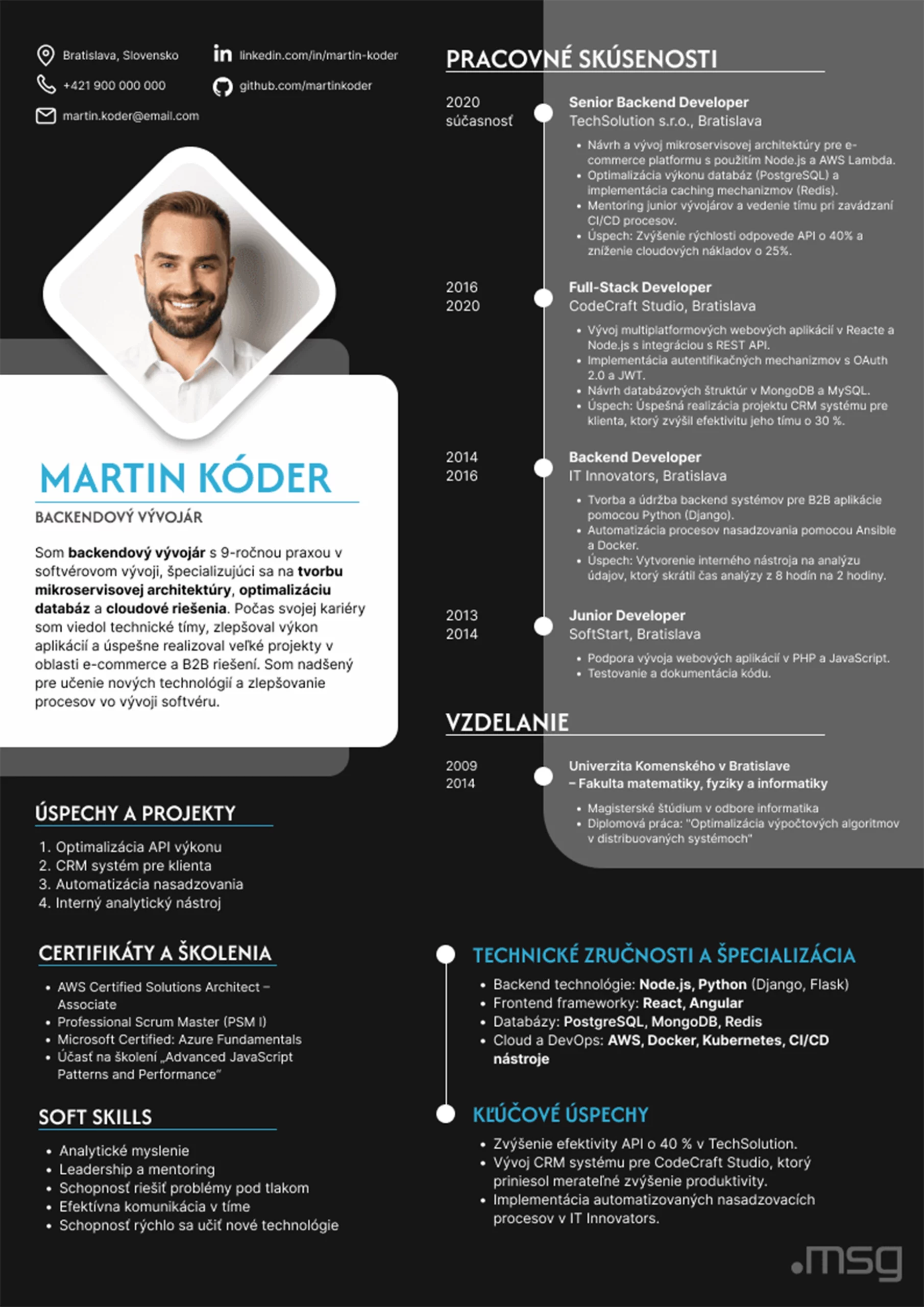
In English, this type of CV is also called a skills-based CV. It aims to highlight your skills and strengths, leaving your work experience in the background. It is ideal for recent graduates or those with large gaps in their work history.
The professional structure consists of the following parts:
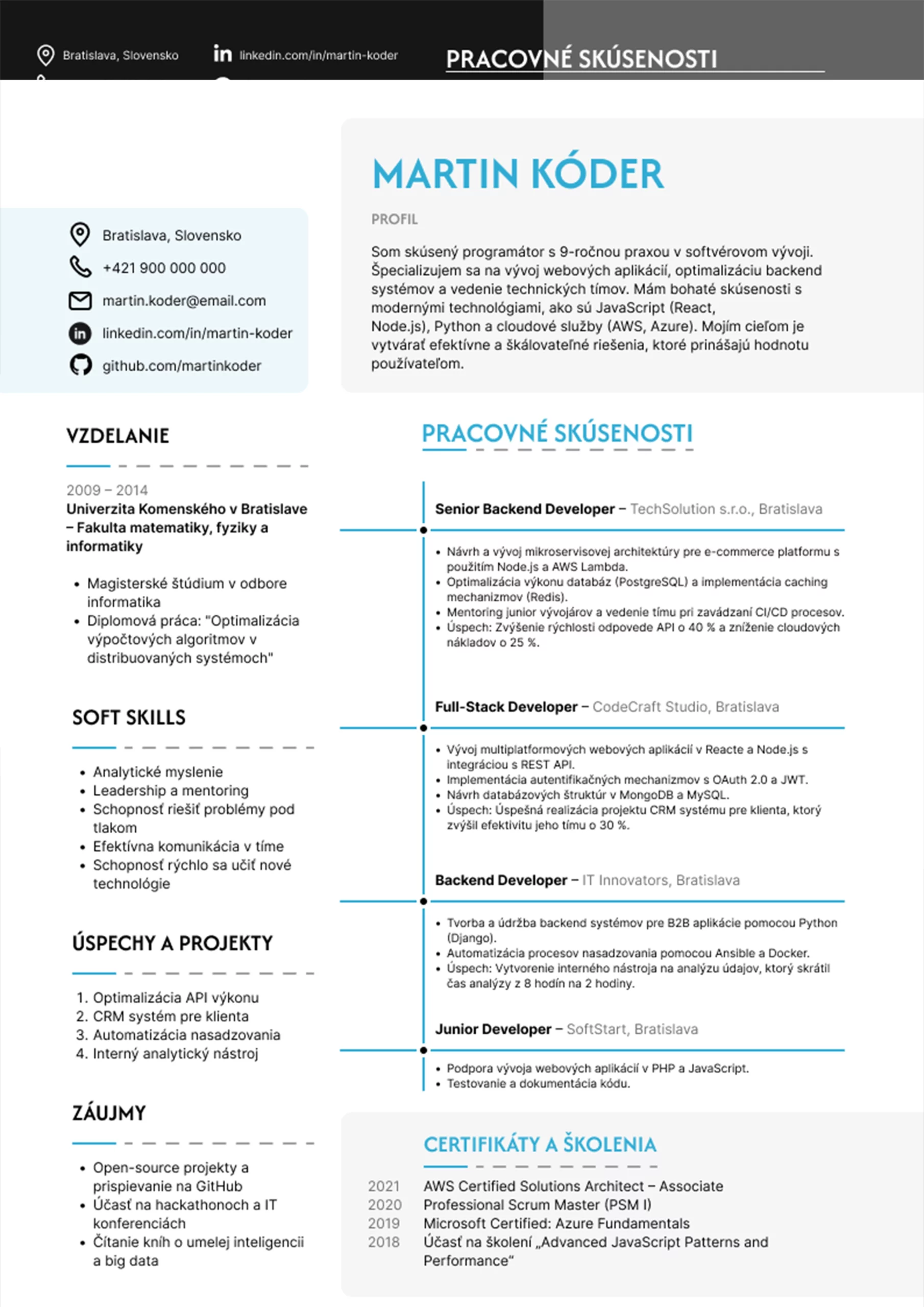
The combined structure combines a chronological and a professional structure. This means that skills and work experience are given equal weight.
The combined structure includes:
An IT CV should contain a few basic sections, which can be supplemented with additional optional sections. These include:
A short bio is not a required part of a developer’s CV, but it is a handy introduction that quickly gives recruiters important information about you. Since not everyone writes one, it can make you stand out.
The bio should be short, to the point and clear. It is usually 3 to 6 sentences long, and can look like this:
“I am an experienced developer who loves new technologies and is interested in software development. I specialize in website and mobile app development, with expert-level Python and JavaScript skills. I have more than 10 years of experience as a Java developer, I take pride in details, I am reliable and I like to work in a team.”
The bio should match the requirements of the advert. Emphasize the strengths that potential employers are looking for so that you stand out at first glance.
This section is an essential part of any programmer’s CV. This is where you list your:
Social networking sites are optional. However, if you are active on LinkedIn, be sure to include it – recruiters can learn more about you from it.
In this section you can show a potential employer that you have enough experience to get the job.
In your CV, start with your job title, followed by the company you worked for, your dates of employment and a brief description of what you were responsible for. Keep the job description brief and clear.
Example:
Java Developer
msg life Slovakia
2020 – 2024
– development and programming of computer and mobile applications,
– website development,
– design and implementation of software components,
– cooperation with software testers and project architects,
– application of agile software management methods.
Provide only relevant information that recruiters are likely to be interested in and that confirms that you are the ideal candidate. For example, if you have more personal projects in your portfolio, you can list your website or project URL on GitHub.
You don’t need to write too much about your education. Just mention the school, the subject or course you studied and the time you studied it. If you have space, describe what you studied in one or two sentences.
You can also include courses, certificates or awards in this section.
Education is followed by soft skills and hard skills, which are key skills for employers. They are often more important than education itself.
Soft skills that you can list as a developer and are in demand on the job market can be:
Hard skills:

If your IT CV isn’t too long, you can also add optional sections such as leisure activities you enjoy. You can link these activities directly to the job posting.
For example, if a company is looking for someone who can think outside the box, mention the creative activities you do. This will show that you can look at things from a different perspective and come up with unconventional solutions.
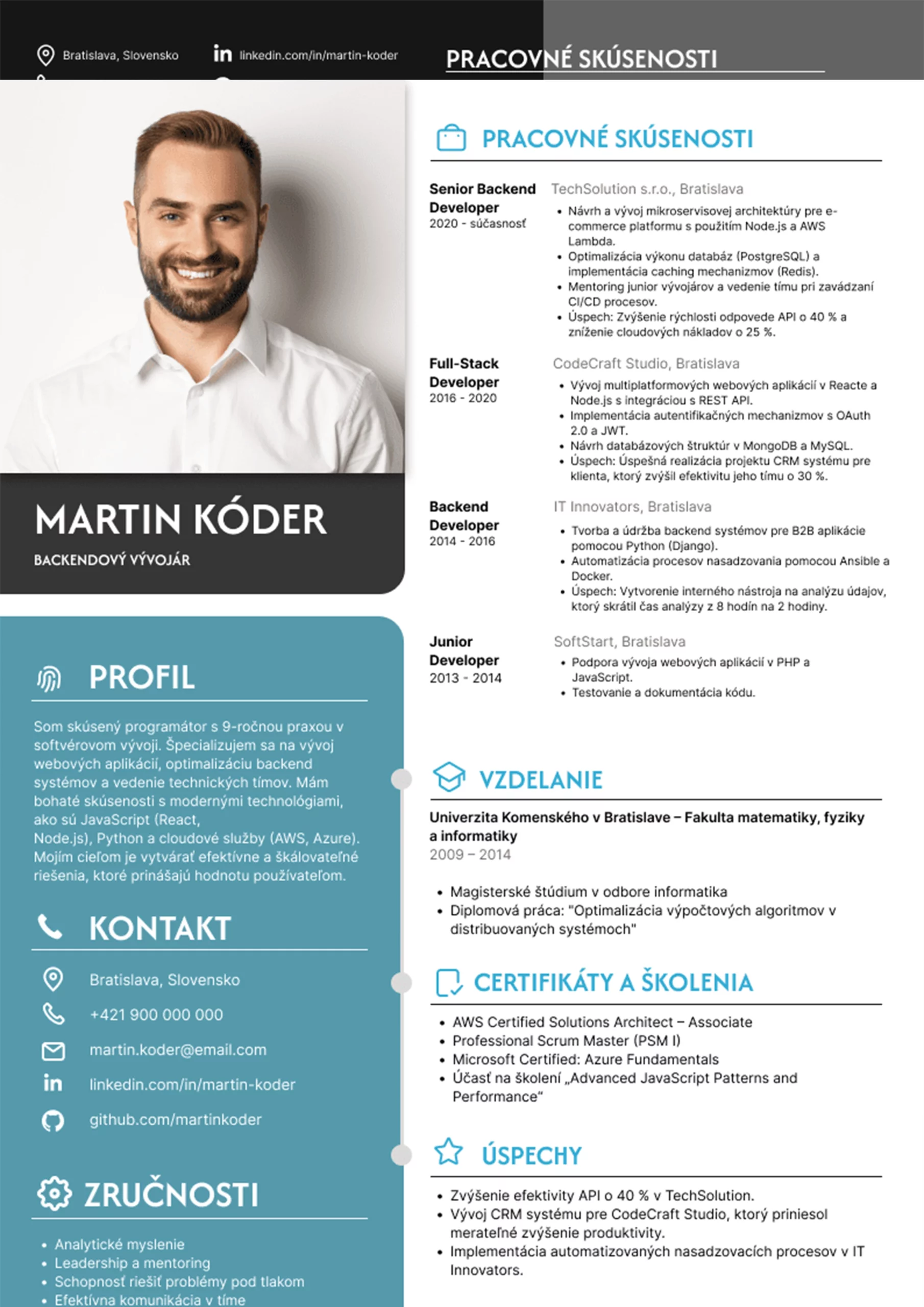
A template can help you write an IT CV where you simply fill in your details, save it and send it to the potential employer. There are many templates available today.
You can create a universal CV on Profesia.sk. If you’re looking for something different, try Canva, which offers both basic and advanced templates. You can also find inspiration in our article.
You can attach three basic types of attachments to your IT CV:
Avoid these unnecessary mistakes when writing a developer CV:
Writing an IT CV follows a few basic rules. If you follow them, you can be sure to produce a quality document that will help you get an interview and land your dream job. Get inspired by our tips and start working on a clear, concise and easy-to-read CV today!
At msg life Slovakia I take care of the company culture, events and I am part of the marketing team. I like a job where I can be creative and contribute to making my colleagues at msg feel good. I regularly prepare for you
not only news and interesting things from the world of information technology and insurance, but also from behind the scenes events at msg life Slovakia.
See who translates insurance into code at msg life Slovakia.